Al Powered Embroidery Software
The Power of AI in Digitizing
In the world of embroidery, precision, creativity, and efficiency have always been key. But today, we stand at the forefront of a new era where technology and artistry merge seamlessly. Introducing MAYA iDesign Pro, an advanced embroidery digitizing software powered by Artificial Intelligence.
One of the most challenging aspects of embroidery design is ensuring that various objects in a design connect correctly. In current traditional digitizing software, this process can be time-consuming, often requiring the observation of an expert designer to ensure seamless connections. With MAYA iDesign Pro, this becomes a thing of the past.
Our software is specially engineered to understand design complexity much like a professional designer would. When you input different elements of your design, the AI technology within the software analyses, predicts, and determines the best possible way to connect them. It's not just about connecting points and optimization, but understanding the artistic intent behind the design and ensuring the connections are both visually appealing and structurally sound.
Embroidery, at its heart, is an art form. But even the most traditional art forms can benefit from the advancements of technology. With MAYA iDesign Pro, experience the future of embroidery digitizing. Let the combined powers of AI and your creativity open and smoothen the way for masterpieces that were once beyond imagination.
WHY CHOOSE iDESIGN PRO?
Lettering
Powerful Lettering with variety of predefined keyboard fonts
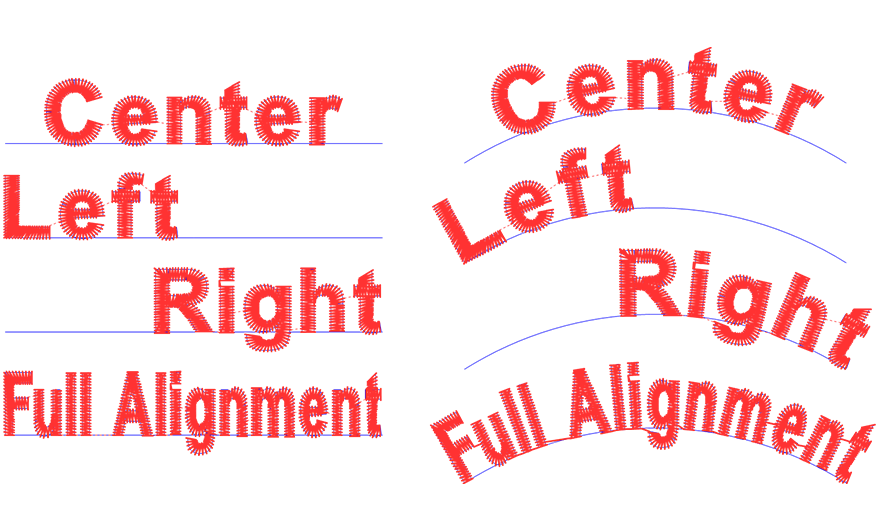
Lettering with multi style alignment
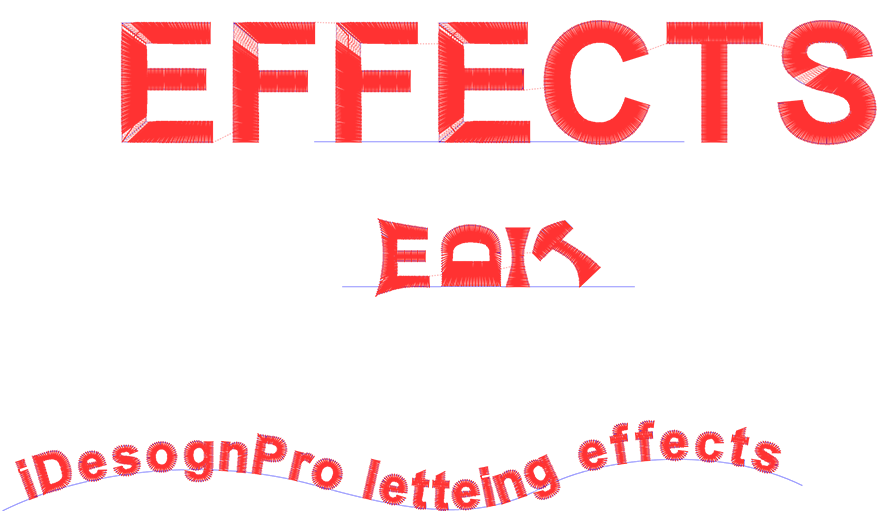
Powerful glyph editing & roating
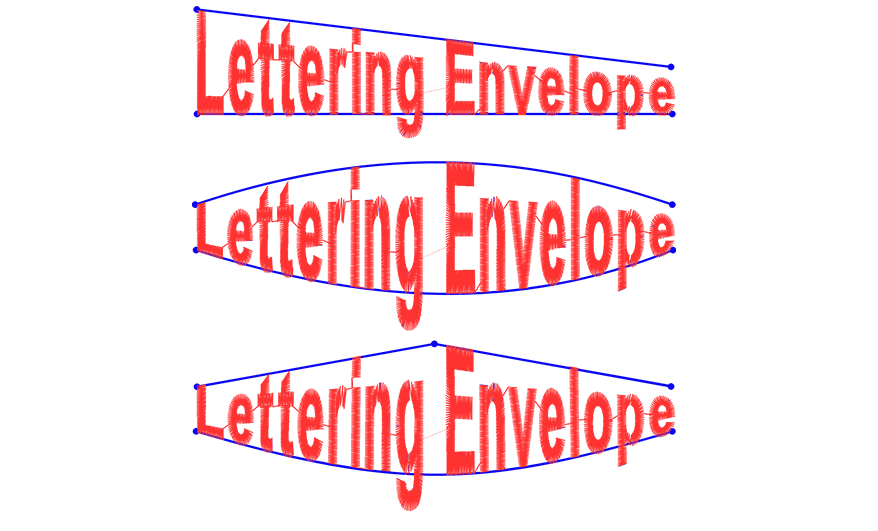
Multiple envelope styles for letters
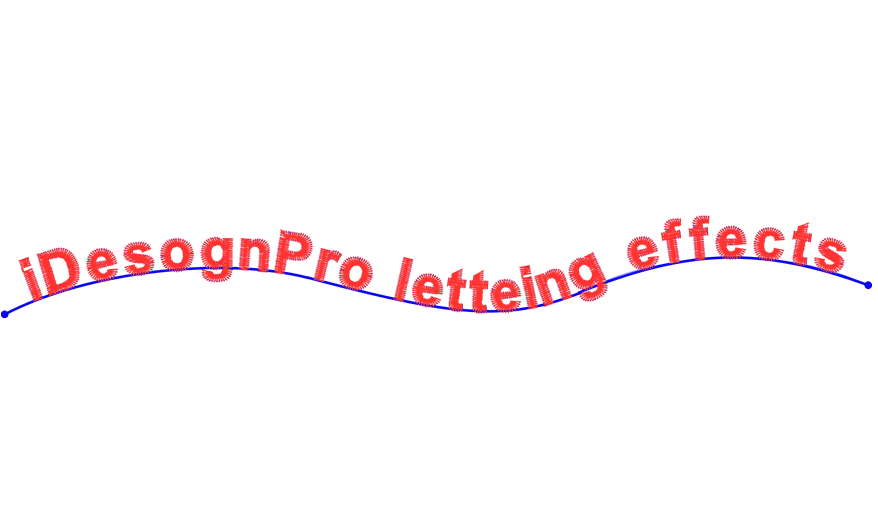
Custom Curve Alignment
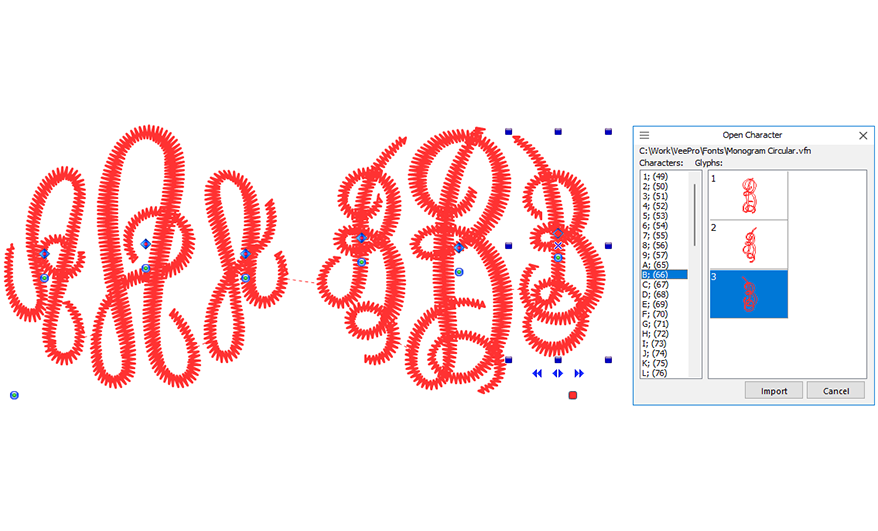
Customizable Multi Glyph Fonts
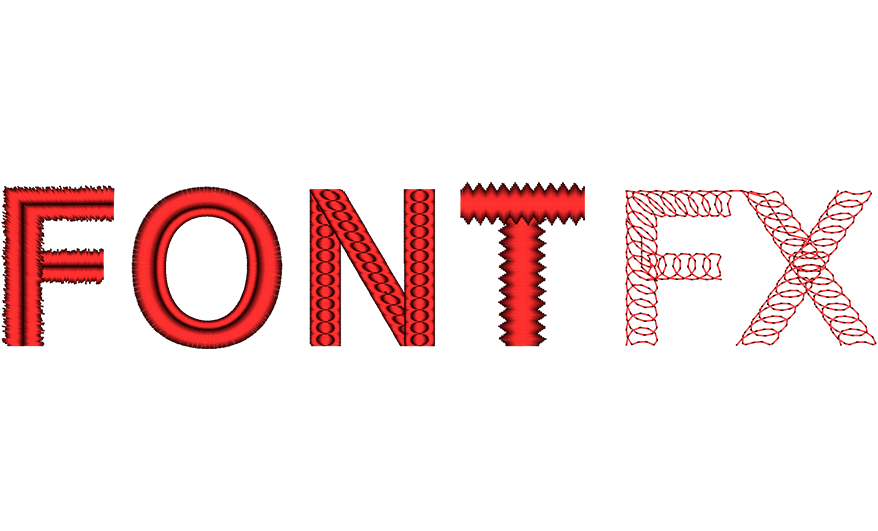
Customlzable Stitch Types
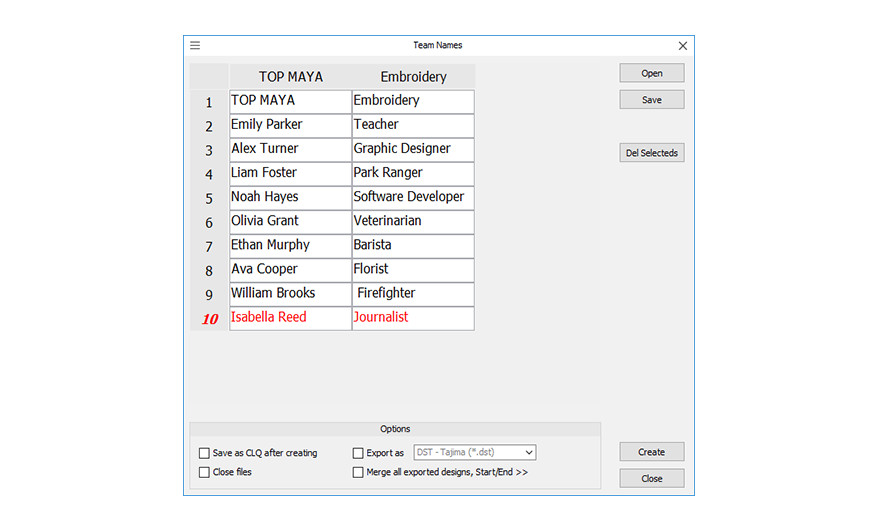
TeamName List Style Lettering
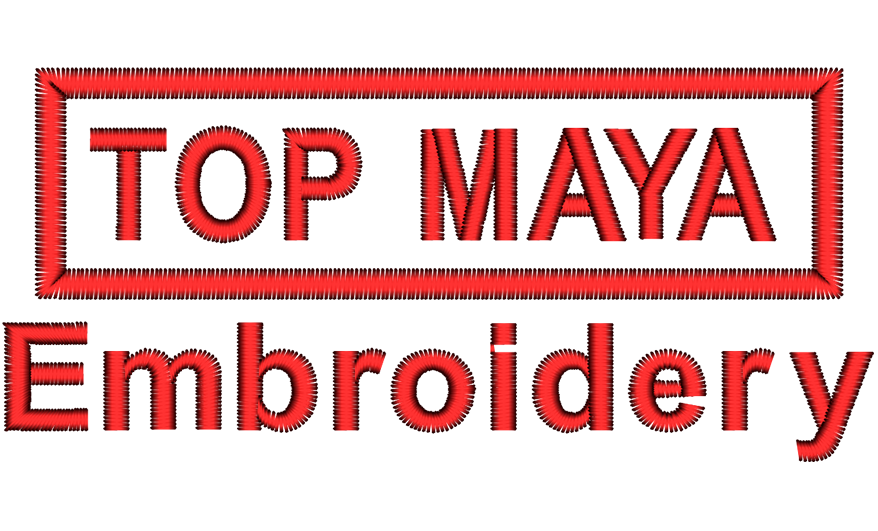
Create multiplemachine filesor only onesinglefile with stopsbetween each name
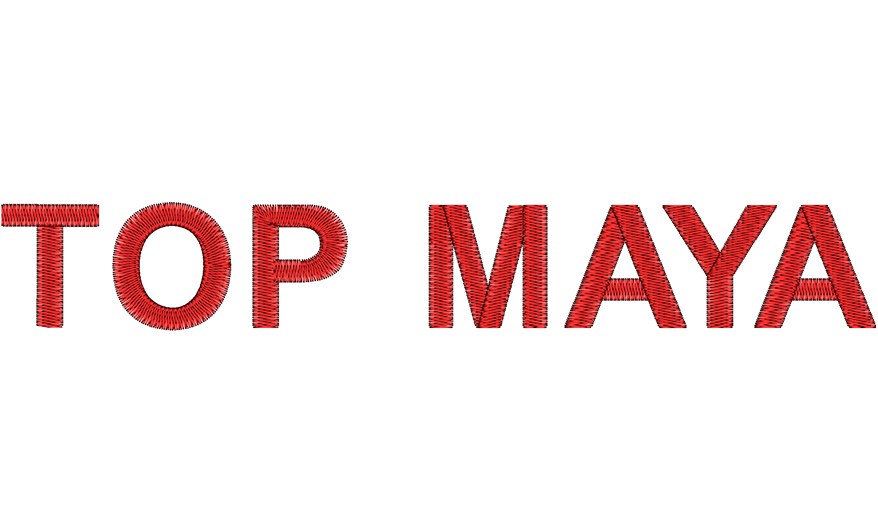
Tatami lettering On Any Font
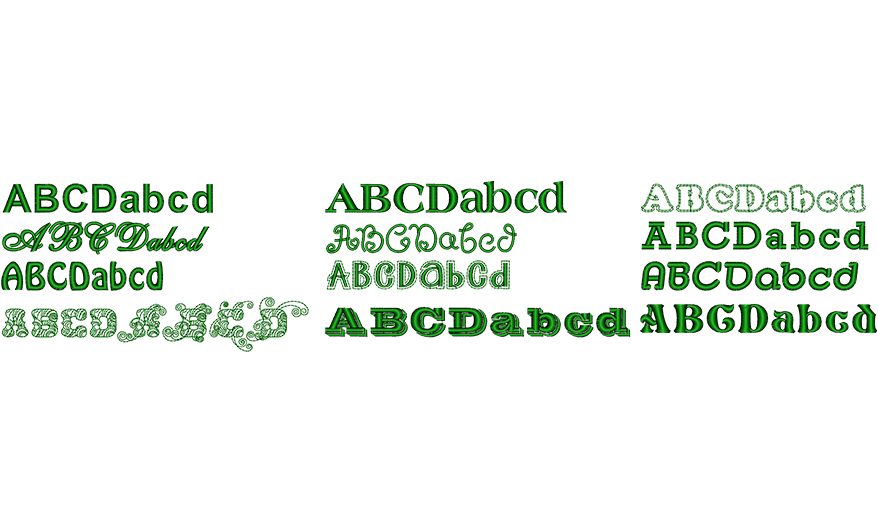
Variety of Pre Defined Fonts with Different Stitch Types
Pro Copy, Rotate and Mirror
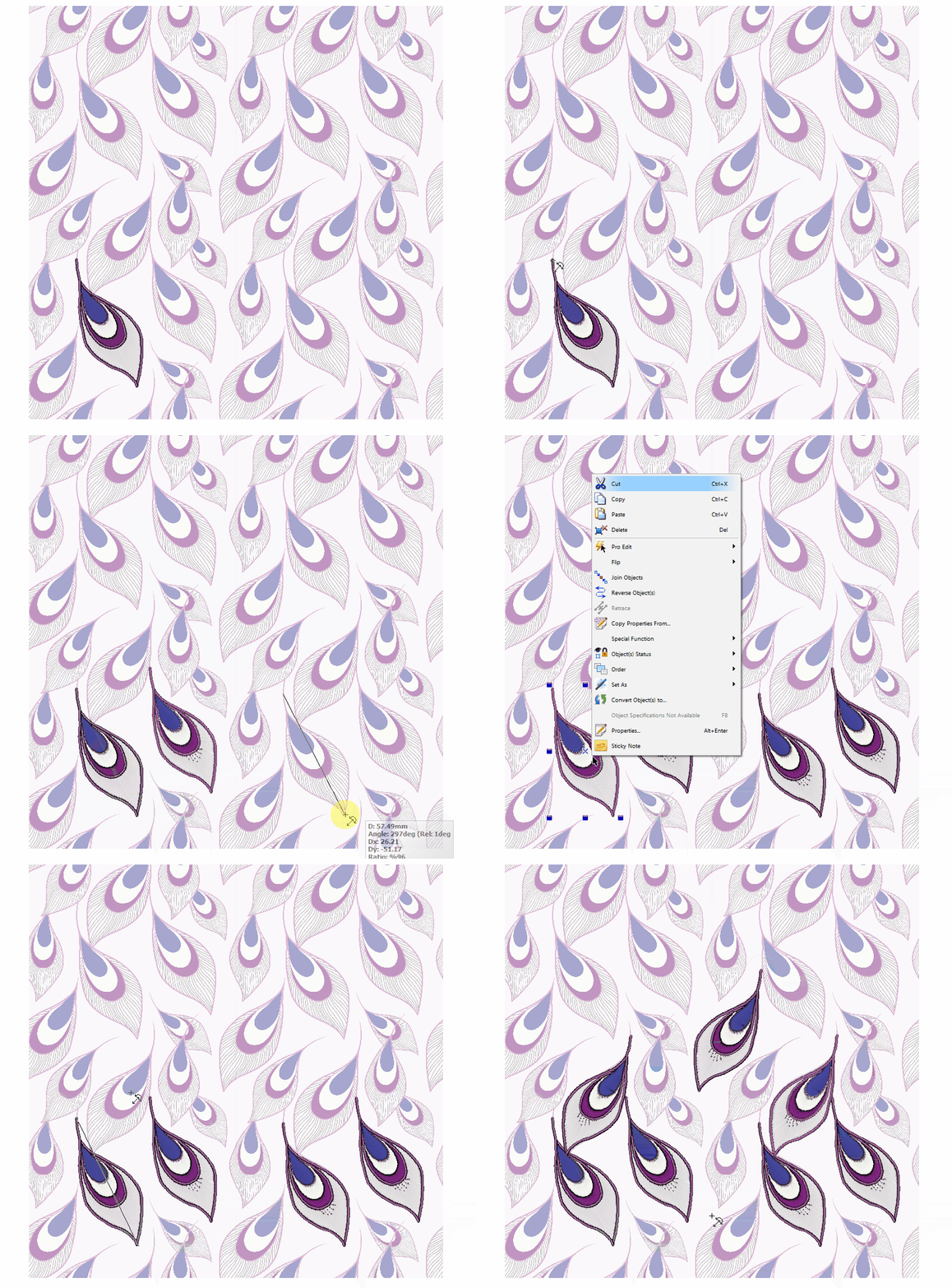
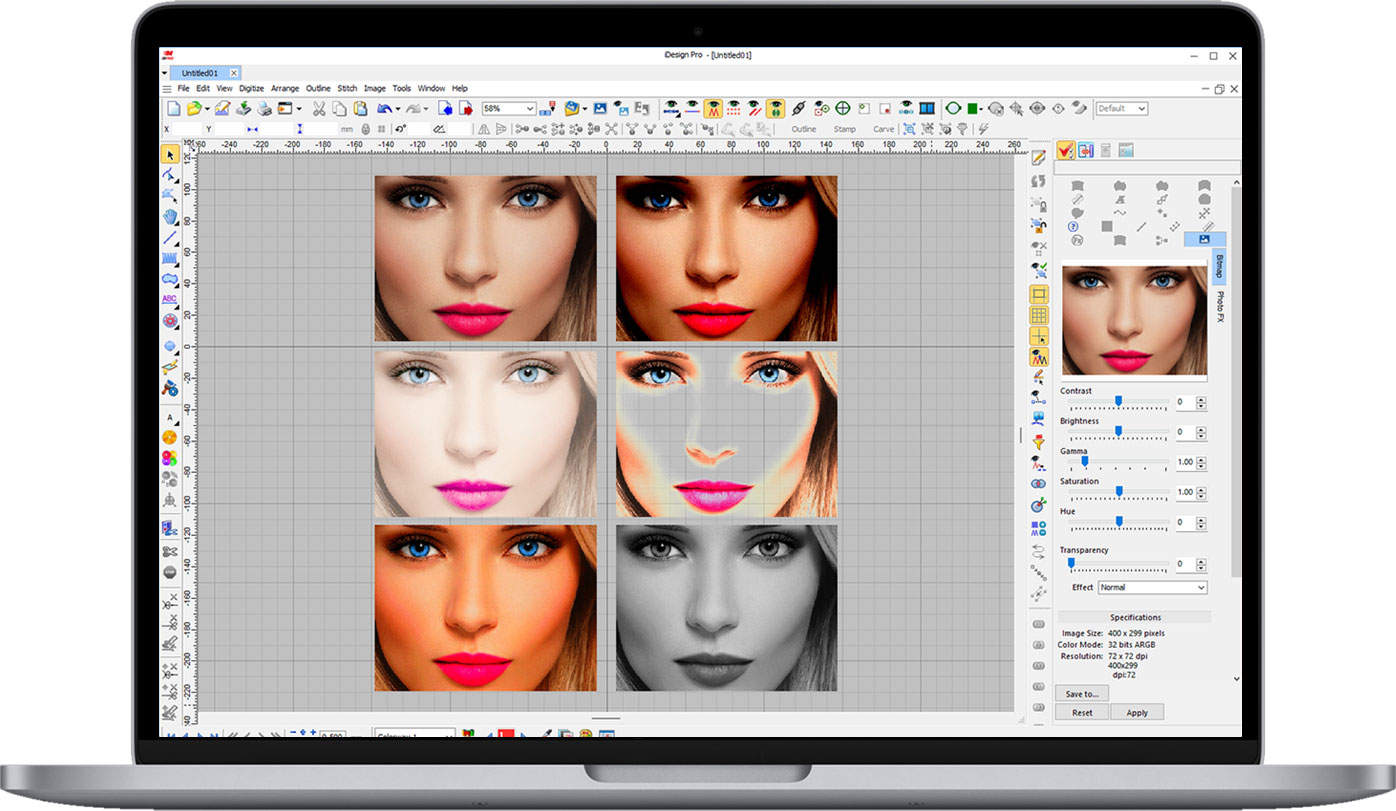
Transparent image background:
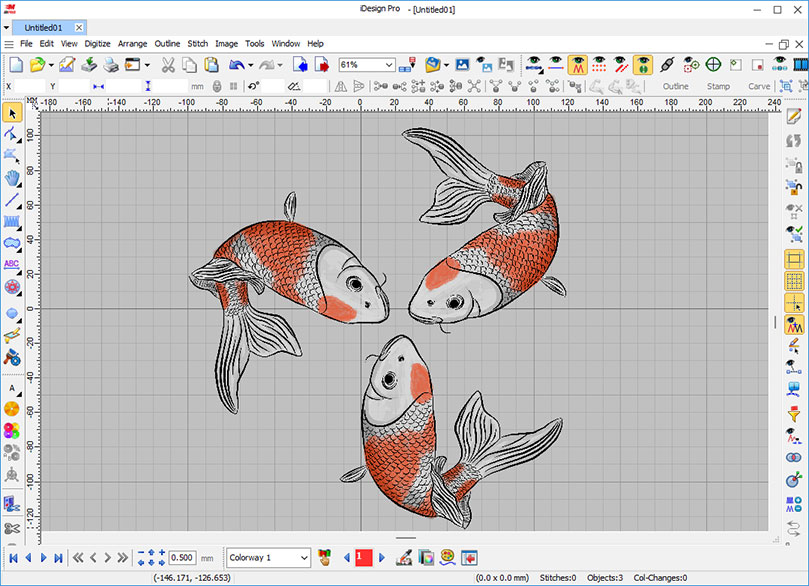
lmage Functions
lmportable image format: BMP, JPG, PSD (Photo Shop), PNG, GIF, TIFF,
Importable vector file as image: EMF,WMF, Al (Adobe llustrator), PDF,SVG
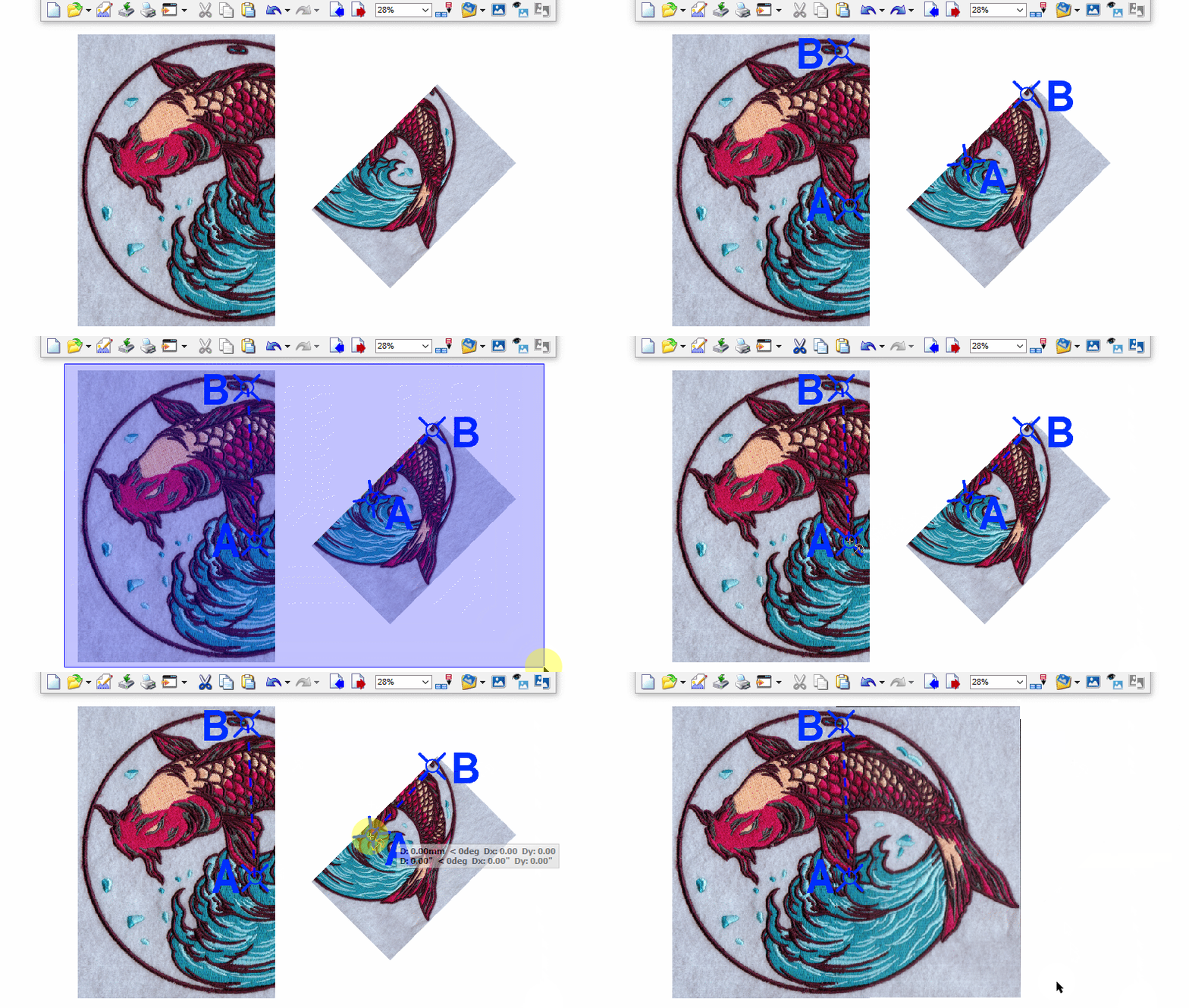
Image Alignment
This function can accurately stitch the segmented flower pattern images. Regardless of the angle or size differences in the image, it can be automatically calibrated and fused to quickly assemble a complete pattern image. The operation is convenient and efficient, seamlessly connecting various parts to present the pattern perfectly.
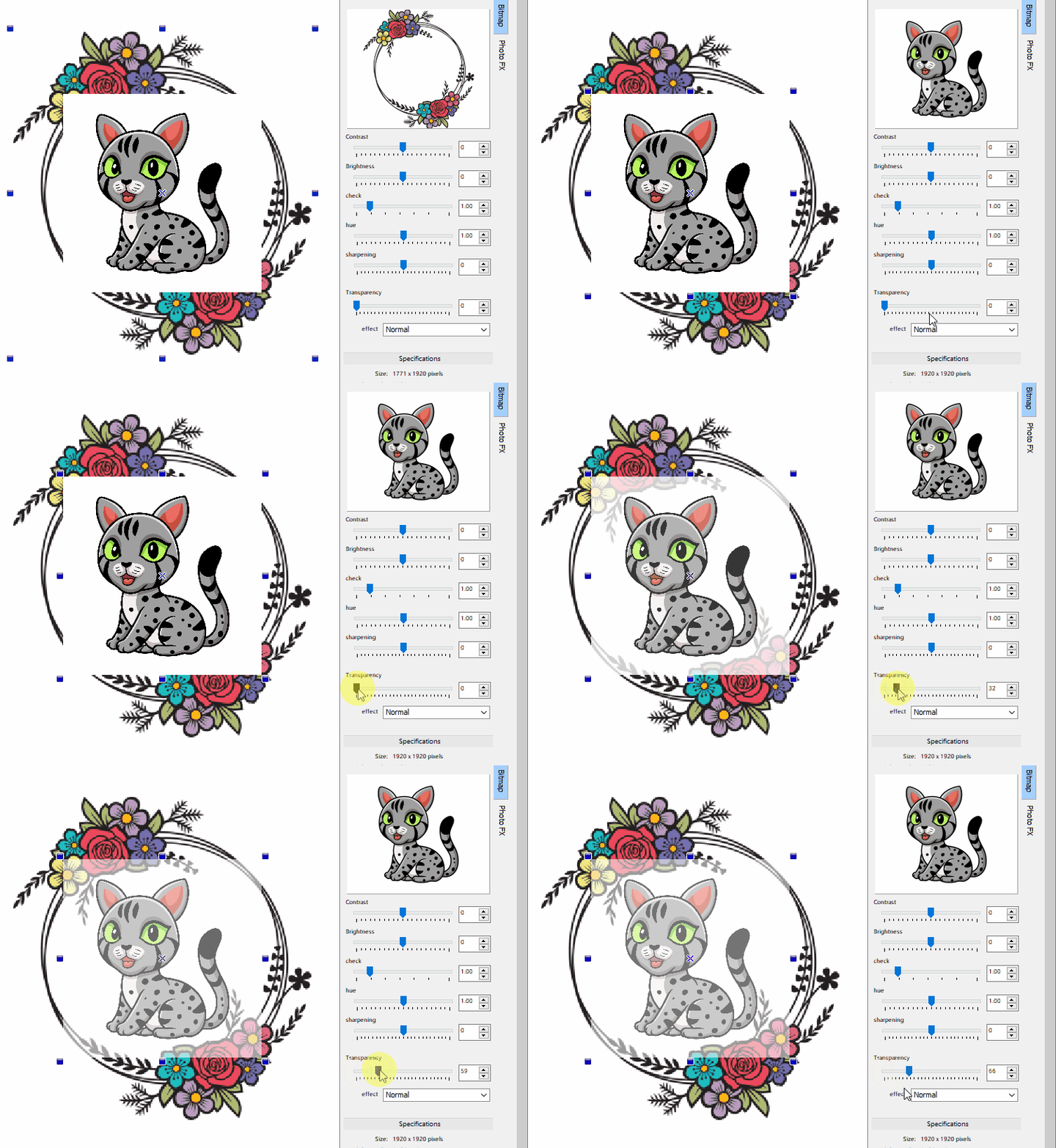
Image transparency lets you see below an image where they overlap
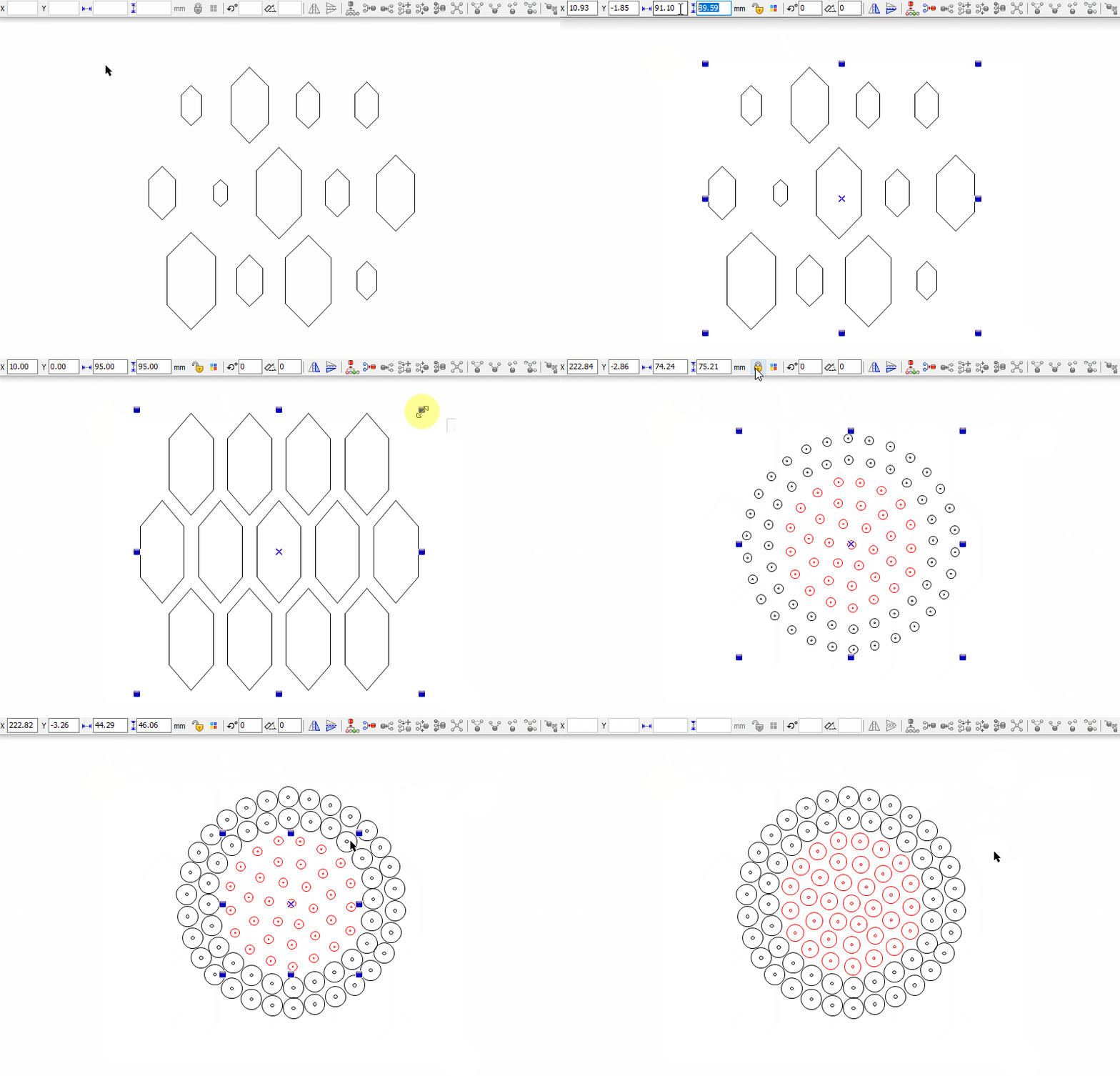
Multiple Objects Can be Adjusted to the
Same Size at the Same Time
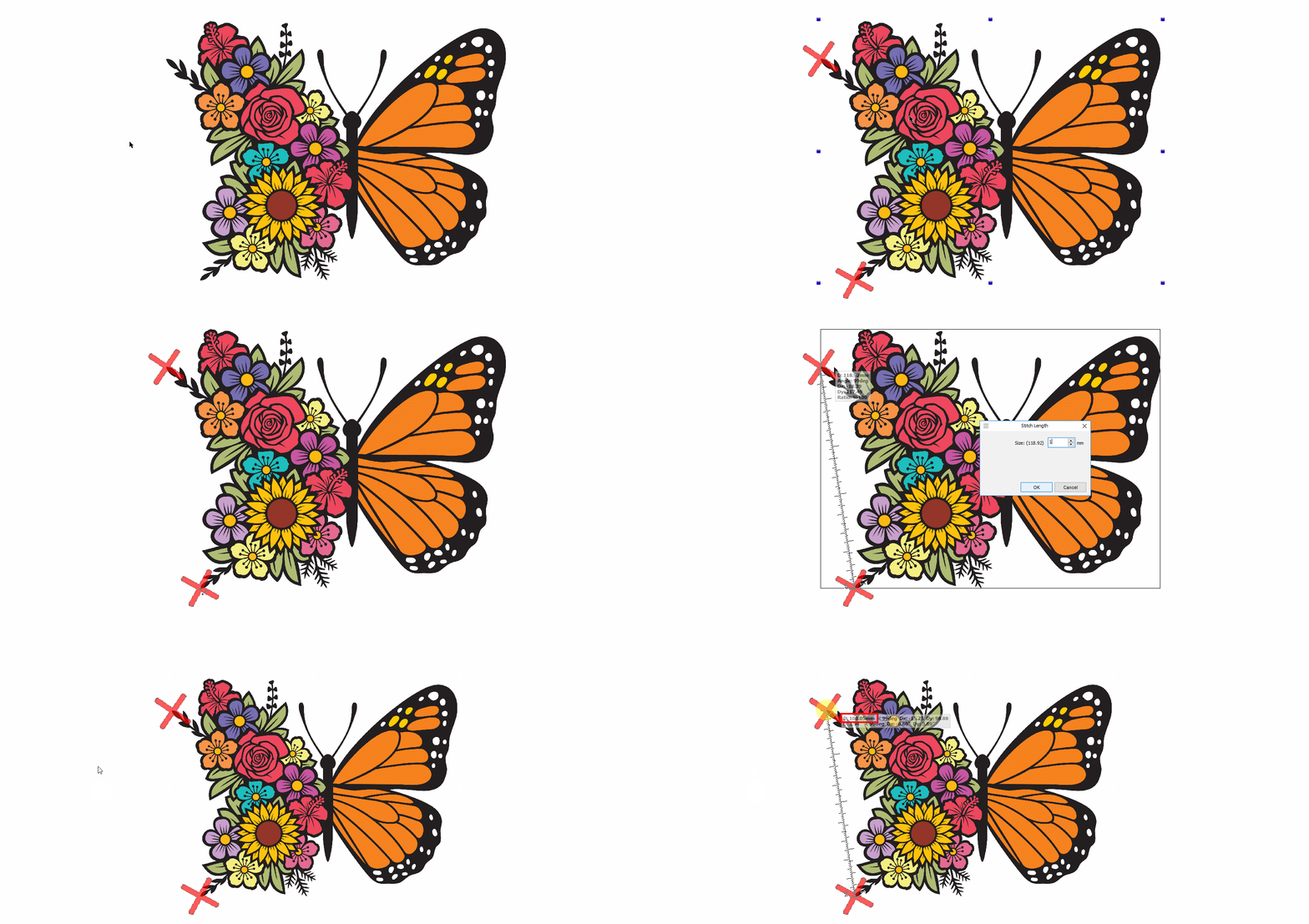
You Can Adjust the Distance Between Two
Selected Points in an Object
Font-Creating
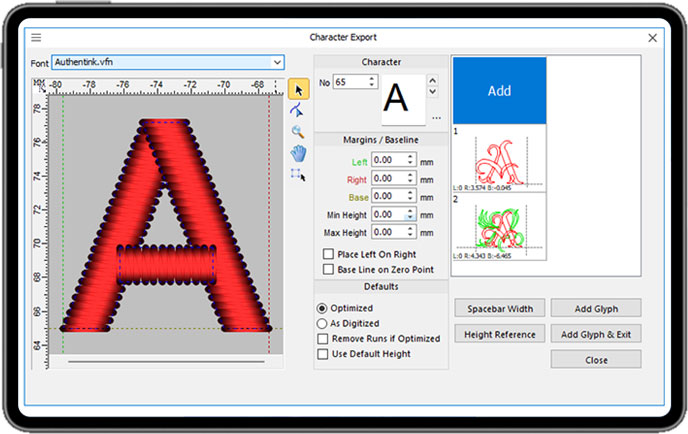
Keyboard Font Creating and Multi Glyph Fonts
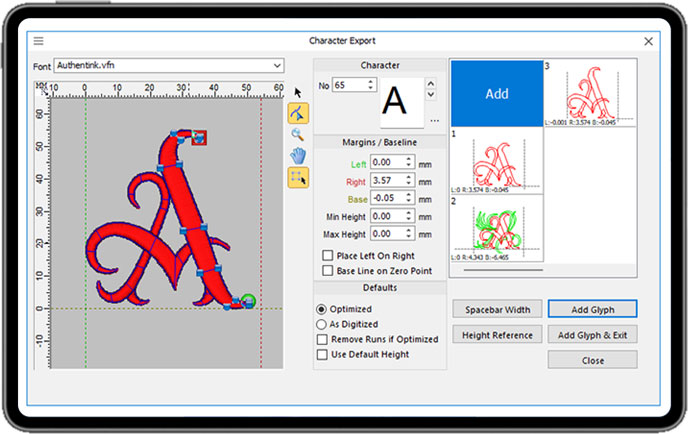
Font Character Editing
Stitch-Types
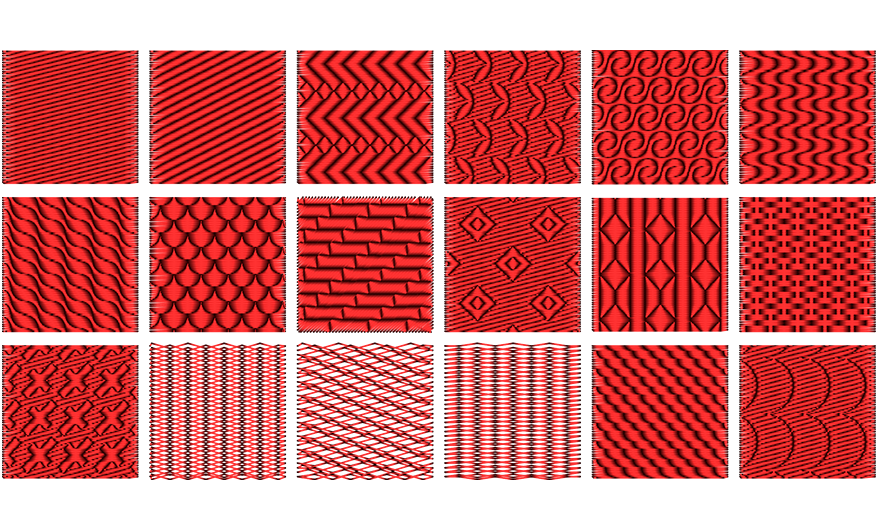
Multiple tatami filling styles
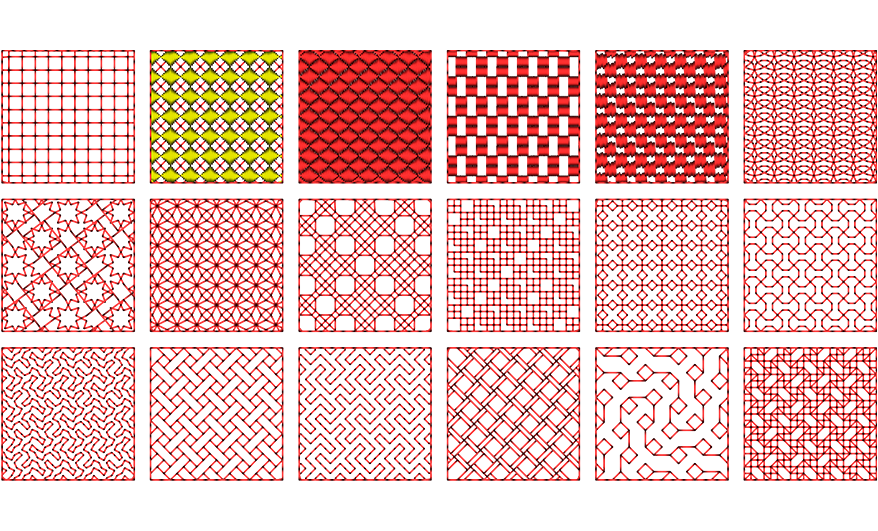
Multiple Motif Fill Styles
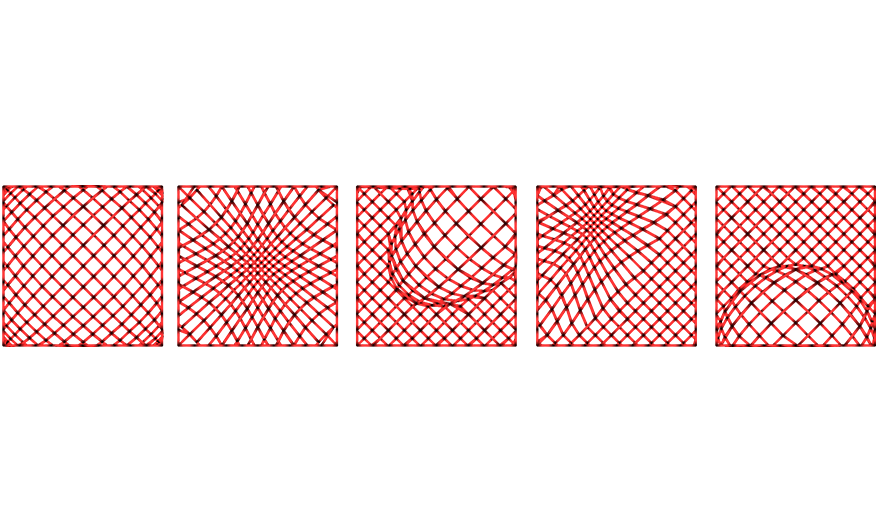
Customize the display styles of convex and concave spheres
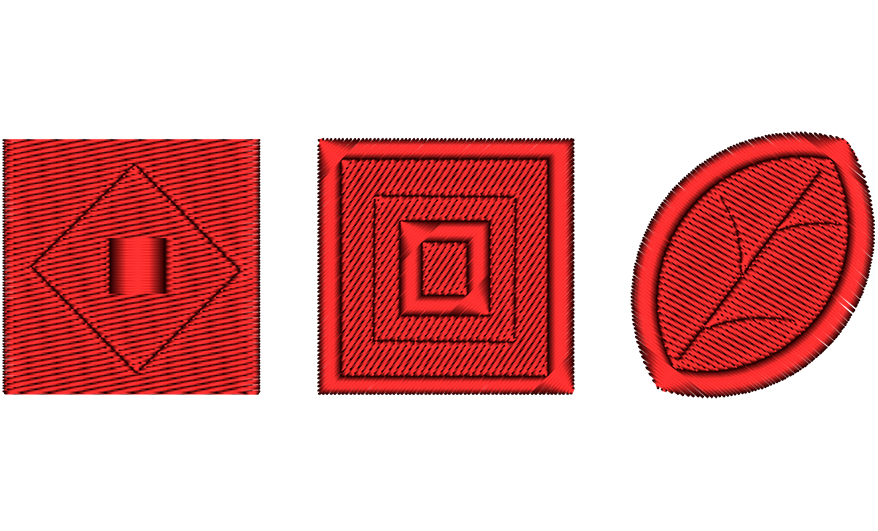
The application of curved tatami mats, as well as the drilling, carving lines, and printing effects on tatami mats
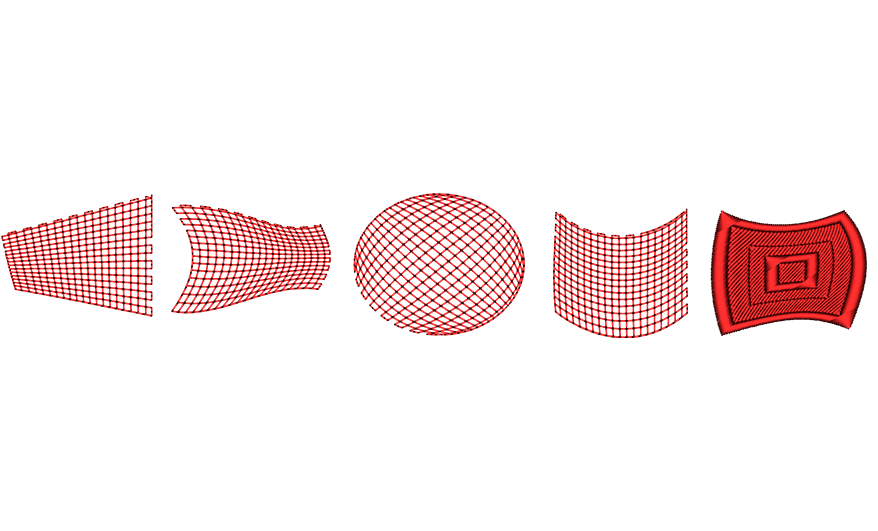
Intelligent stitching style filtering function
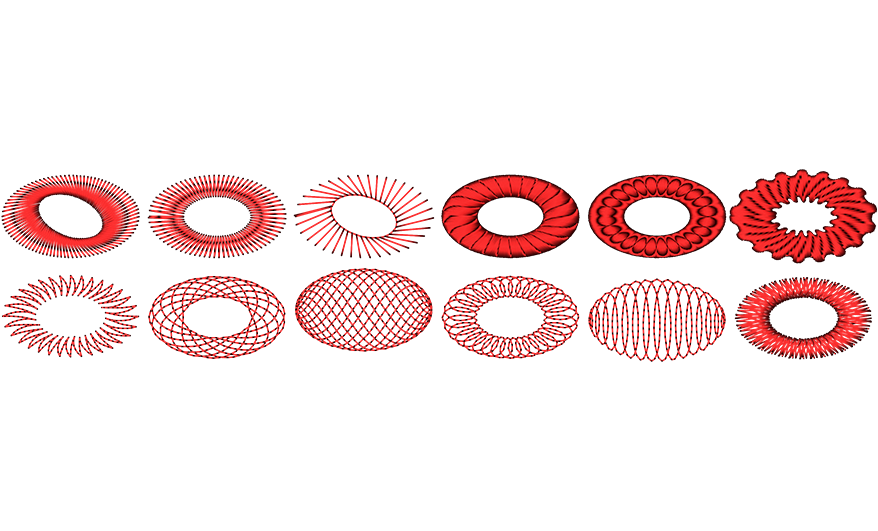
Multiple flat pack needle styles, customizable styles
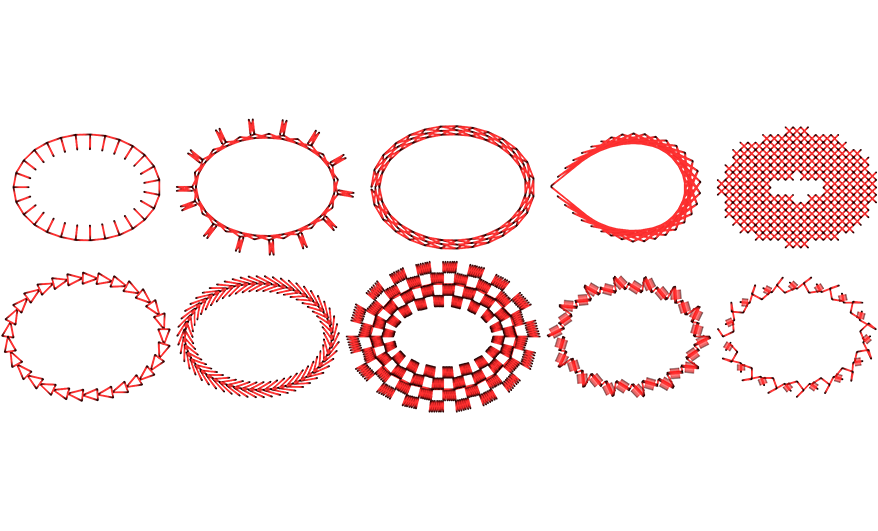
Diversified running stitch styles, including patterns and cross stitch effects
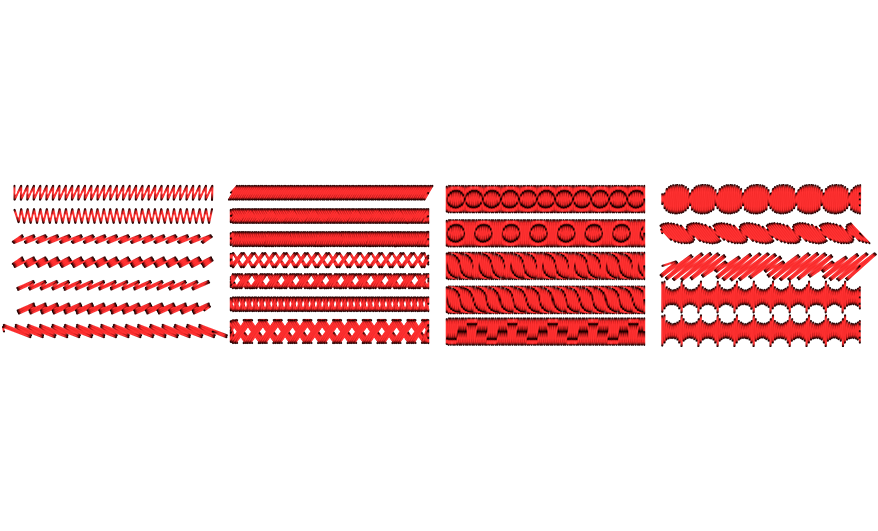
Input - C for flat needle effect
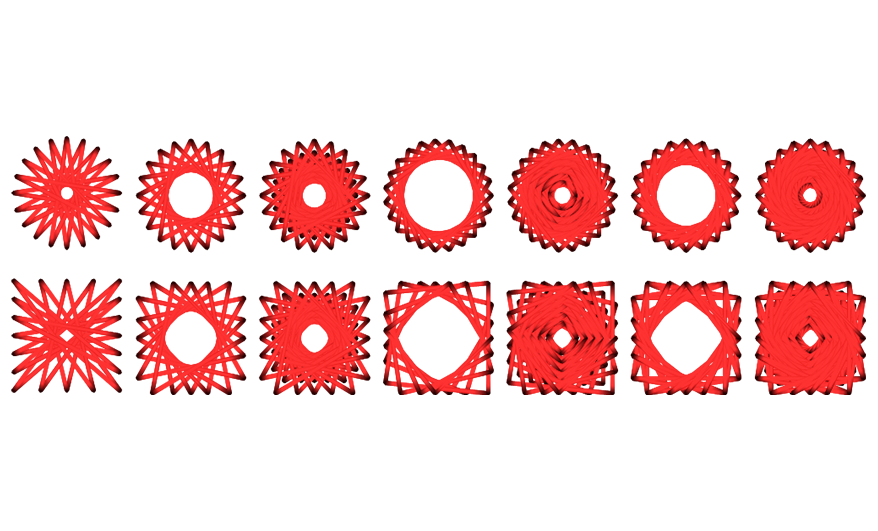
Star diversity in circular and rectangular
Sequin-Beads
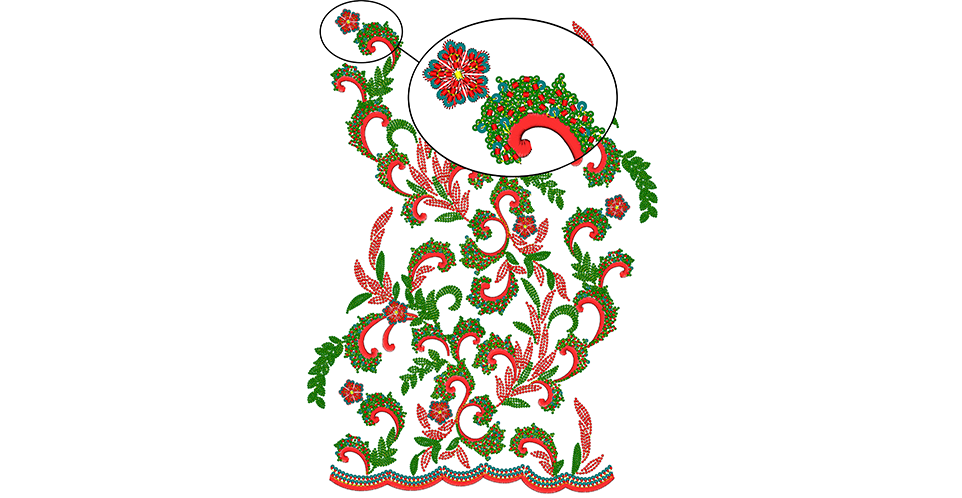
Sequin(up to 16)and Beads(up to 8) for all available devices at the market
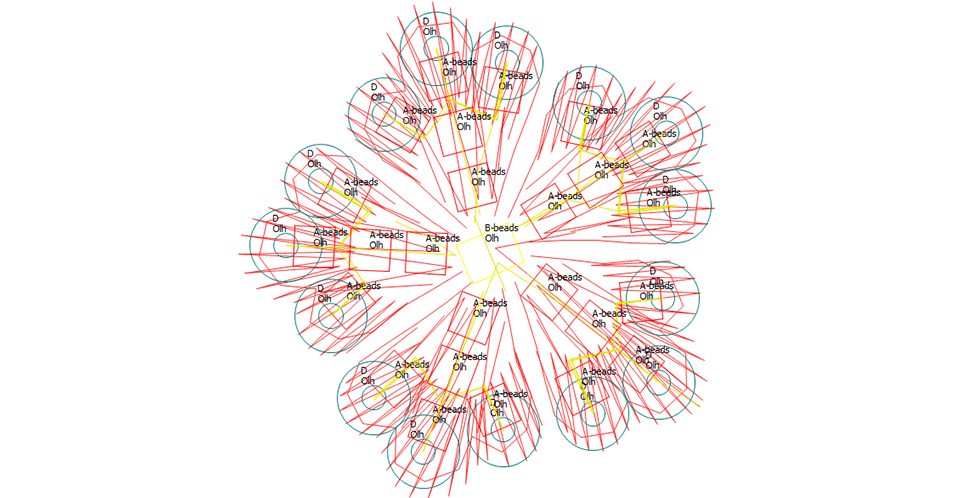
Display of signal types and device types for Sequin and Beans signals
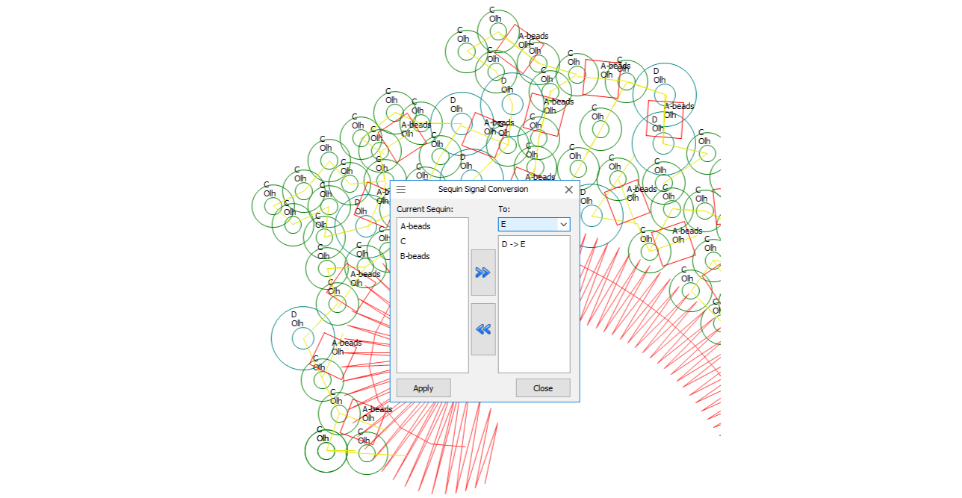
Diversified bead attribute setting function
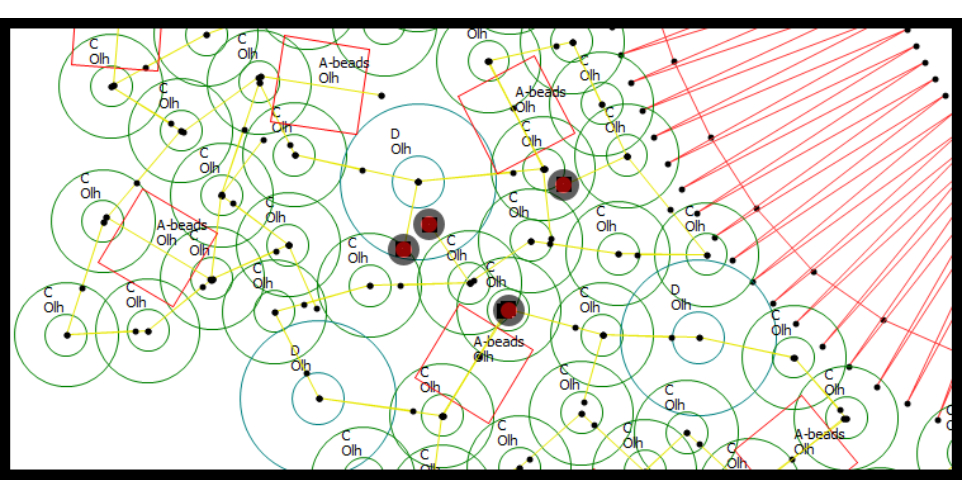
Diversified bead attribute setting function
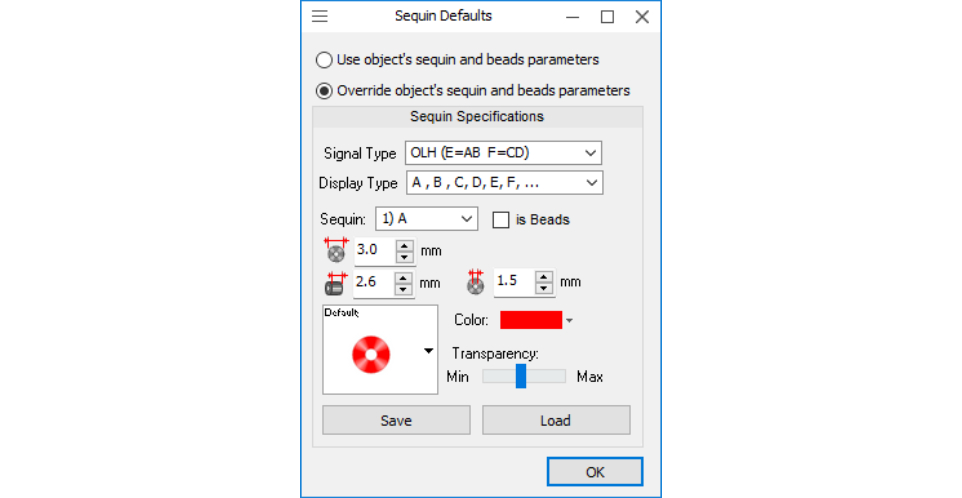
Diversified bead attribute setting function
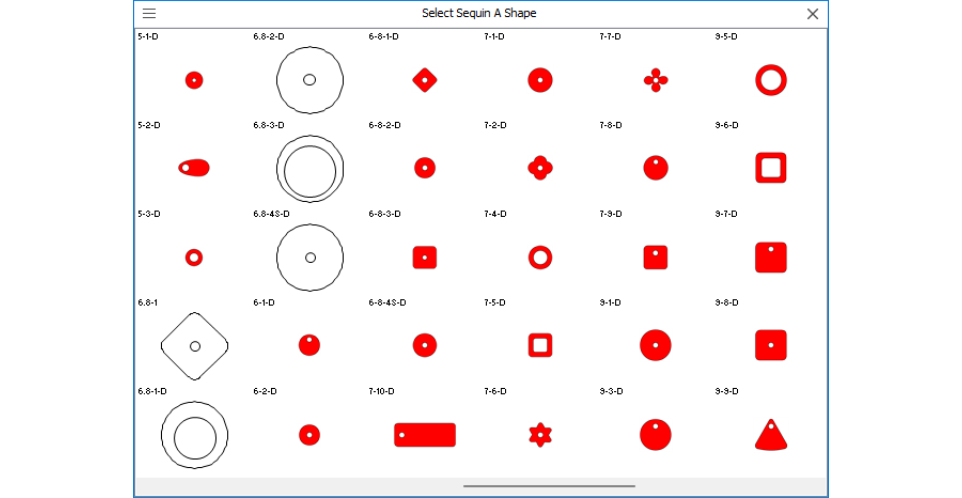
Diversified bead attribute setting function
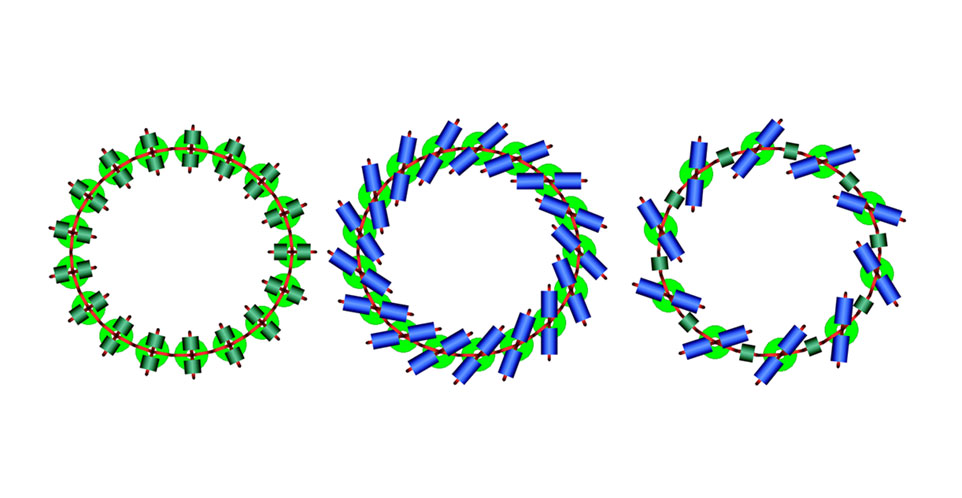
Mixed use of various styles of bead chips
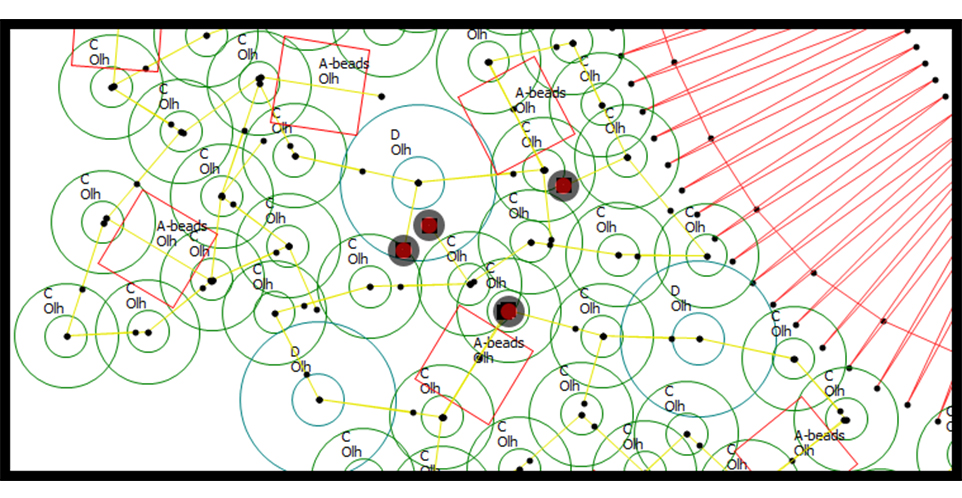
Prick test
Curve-Exchange
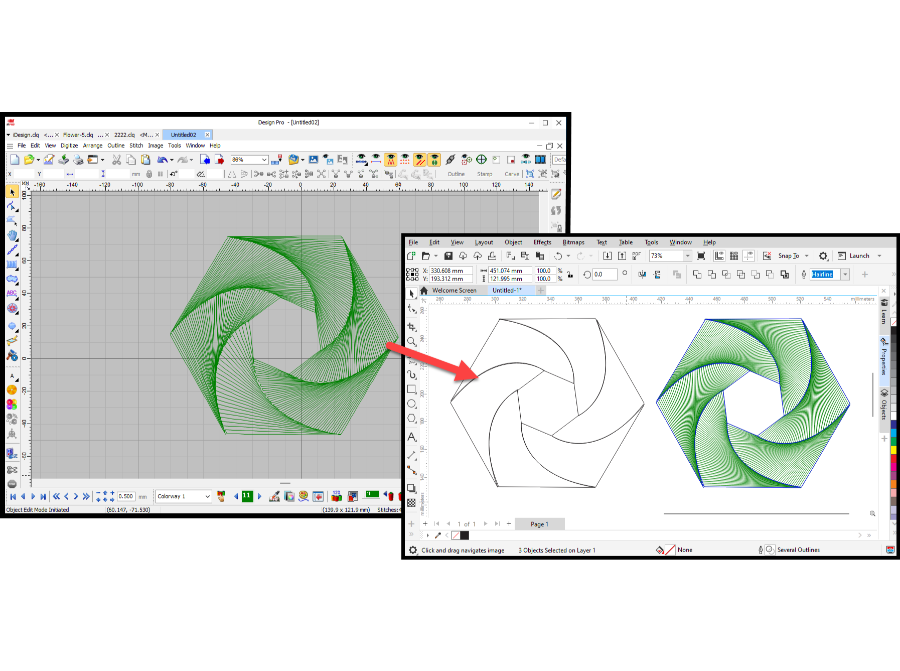
Curves and sutures can be copied and pasted from iDesign Pro to other graphic programs
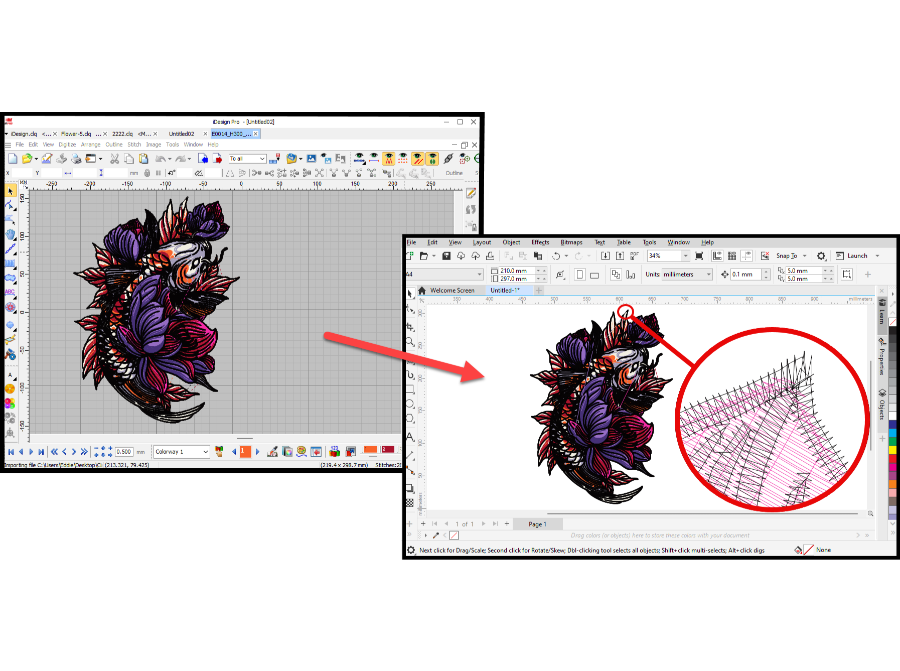
The curves and sutures pasted from iDesign Pro into other graphics programs are in vector form
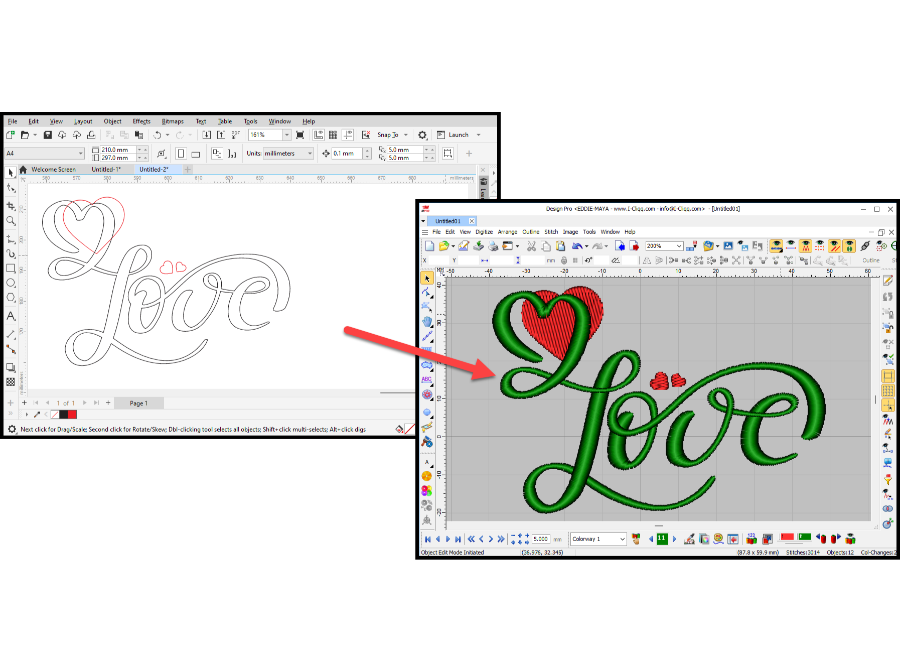
You can copy and paste curves from other graphics programs into iDesign Pro and convert them into sutures.